How does PeteEats work for producers?
On PeteEats you get your own personal page, completely free, where you upload and sell your food products.
PeteEats, let's start!discover more
On PeteEats you get your own personal page, completely free, where you upload and sell your food products.
In other words, we give you your very own eCommerce.
To use this eCommerce you don't need any IT infrastructure or developers, but you will need WhatsApp. WhatsApp is the one essential tool to use PeteEats, so if you don't have it yet we invite you to download it.
Through your personal page, you can keep your customers updated in real time on which of your products are currently on sale. When they land on your page, your customers can pick the products they want, choosing the quantity for each. Once done, they get a kind of "shopping list" that they send you on WhatsApp. Thanks to this connection you can independently complete the sale (home delivery or collection, as you prefer) and get paid.
As you may have guessed, this isn't an eCommerce in the traditional sense: no money changes hands on PeteEats. With PeteEats we "bypass" eCommerce technology, letting you sell your products online simply using WhatsApp.
It's a clever workaround we designed to give every small local food producer and retailer cutting-edge technology to compete with supermarkets and the big food multinationals.

How much does it cost?
Nothing.
This is a social project whose goal is to digitally empower every small local food producer and retailer. That is why no fee is or ever will be charged for using this service.

How do I manage my orders?
We designed a very simple system to manage your orders.
Using PeteEats regularly to sell your products, you'll end up with lots of WhatsApp chats to handle. To avoid the chaos, we built a dead-simple system.
Inside the "Orders received" page you have a precise, ordered list of every order you've received on WhatsApp, instead of having to jot everything down on paper. Each order has 4 buttons:
- CONFIRMED: lights up once you confirm the order a customer sent you on WhatsApp.
- PREPARED: tick it to remember which shopping lists you've already prepared.
- DELIVERED: press it once you've delivered an order; it gets archived automatically.
- DELETE: when an order is cancelled, you can remove it from "Orders received".
A filter at the top lets you quickly see orders still to confirm, confirmed ones, those already prepared, and those delivered. We hope this little system comes in handy.

How is payment made?
Payment does not happen inside the platform.
PeteEats isn't a traditional eCommerce, so payment does not happen inside the platform. In other words, there are no money transactions when a customer sends you their shopping list.
Managing payment is therefore up to you. What PeteEats gives you is direct contact with your customer, with the exact list of products and quantities they requested. You then tell the customer how to pay: cash, PayPal or other means. You're completely free to choose.
We do recommend stating any specific payment methods on your personal page, in the "Information" section, so there are no surprises for your customers.
How is delivery handled?
Delivery of the products is up to the producer.
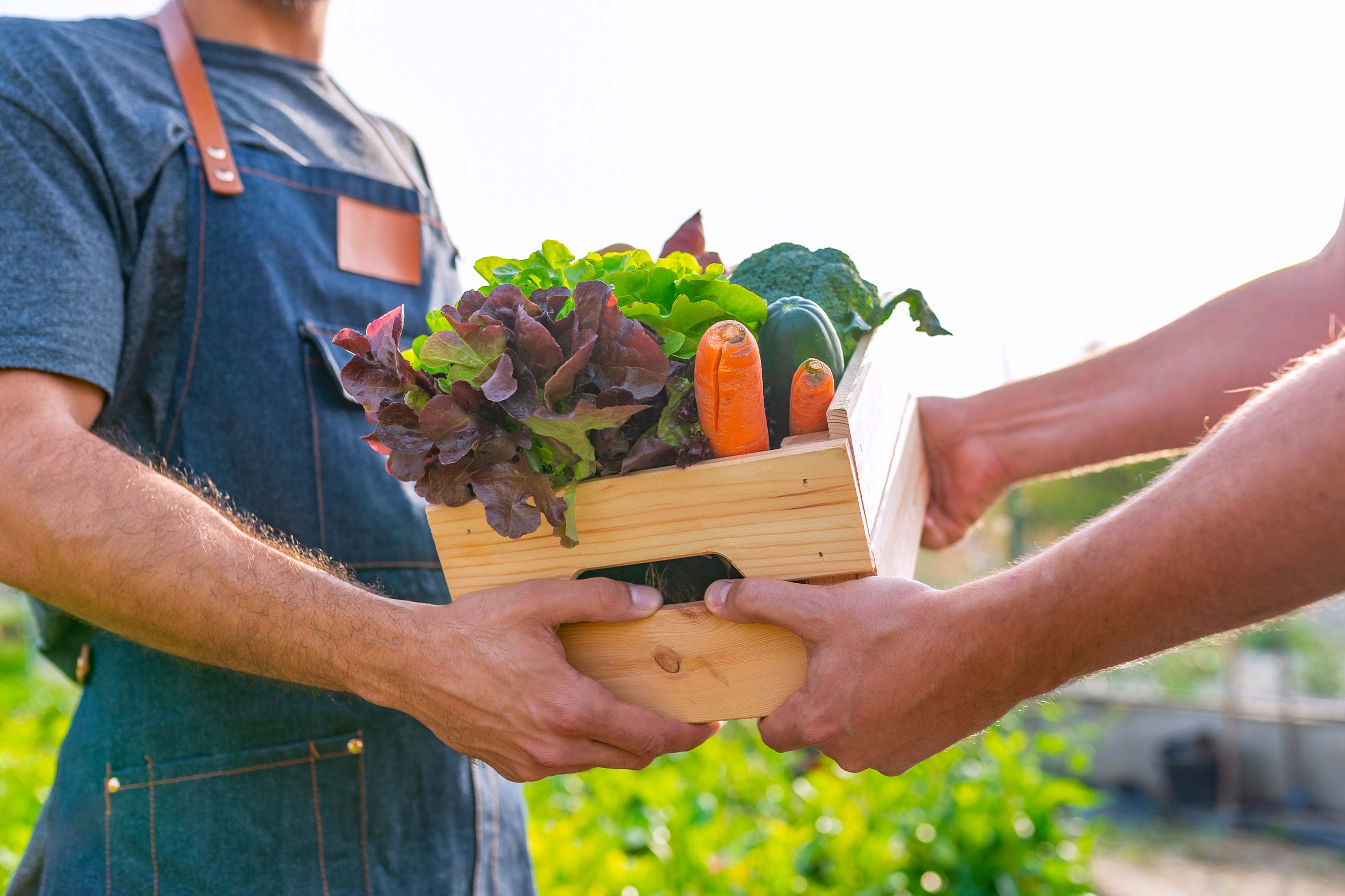
As this isn't a traditional eCommerce, we haven't provided any logistics solution for delivering your products. Had we done so, we'd have shut out small producers who can't manage logistics, whereas our aim is to keep this technology accessible to everyone.
So how you deliver is up to you. Technically we give you two options:
- HOME DELIVERY: use it if you're happy to deliver to the customer's door. You can set a fixed price or a "variable" one.
- COLLECTION FROM THE PRODUCER: if you'd rather not deliver, the customer collects from you. A great way to save your customer time and meet them in person.

How do I let my customers know I have a page on PeteEats?
It only takes one click.
So your customers know you now have an online page where you sell your products, we built a short link like this: petereats.co.uk/yourbusinessname.
On your personal page, top right, you'll see a green button with an arrow; tapping it automatically generates your page link to share with friends and customers. You can also do this with the blue button under your profile picture.

A few tips for a better experience.
Some tips for using PeteEats:
- Set the price carefully
- Upload a profile and cover image
- Upload several images per product
- Write a good description of your business
- Add information for each of your products
- If you spot any errors, let us know